
UX & accessibility
Designed around your users
Established 2002
One UK team, all in-house
Websites that work for every visitor
Good design is grounded in UX, UI and accessibility, not just attractive visuals. We plan the journey each visitor takes, from the first page they land on to the enquiry or sale, and make sure everyone can complete it.
- User journeys planned around real tasks
- Interfaces built to WCAG guidance
- UX and accessibility audits of existing sites
- Fixes designed and built by the same team
Built to convert
Where visitors give up
Visitors rarely leave because of a design preference. They leave because the proposition is unclear, the information they need to decide is missing, the price or delivery terms appear too late, the form asks for more than they are willing to give, or the page is simply slow.
That is why we design the journey first: who arrives, what they need to find, and every step between landing on the site and getting in touch or buying. A beautiful page that hides the next step still loses the sale.

UX and UI
What makes a journey work
Navigation and structure
Menus and categories that match the way your customers search.
Page hierarchy
Each page puts the proposition first and makes the next step obvious.
Information to decide
Prices, delivery terms and trust signals where people look for them.
Forms
Fewer fields, clear validation and helpful error messages, so more people finish.
Search and filters
On large catalogues, filters that narrow the choice instead of sending visitors back to Google.
Clear interface details
Buttons and links that say what they do, not 'click here' or 'submit'.
Accessibility
Open to everyone who visits
Accessibility is how easily a website can be used and understood by everyone, including people who are blind, deaf or colour blind.
An accessible site reaches more people, carries less risk and is easier for search engines to understand: Google can't see your images or hear your videos.
We have worked with many charities and medical clients whose users need accessible sites, so we know how to balance accessibility, search visibility and a good experience for every visitor.
What we build in
- High-contrast colours
- Headings that structure the content
- Alt text on images
- Captions and transcripts
- More than one way to get in touch
A simple test: have your computer read your homepage aloud. Does it make sense, and does it lead to the action you want?
Already have a website?
UX and accessibility audits of your current site
If your site isn't bringing in the enquiries or sales it should, an audit shows where visitors struggle and who may be shut out. We look at how people move through the site, check it against WCAG guidance and explain what to fix first.
Design and development sit in one team, so we can make the improvements too, rather than leaving you with a report. Every site is different, so the scope is agreed with you.

Client results
What a better journey did for sales
Farm Marketplace · Agricultural ecommerce
- item revenue compared with the same period the previous year
- +497%
- item revenue compared with the same period the previous year
With a vast range of agricultural products, customers could easily get lost. We used keyword research to learn how people search, then built filters and brand pages around it. Within weeks, many of the new pages ranked higher.
- Maximo tractor tyres: now ranked 3, up 45 places
- Taurus tractor tyres: now ranked 8, up 44 places
- Bridgestone tractor tyres: now ranked 6, up 42 places
- Trelleborg tractor tyres: now ranked 14, up 40 places
- Kleber tractor tyres: now ranked 9, up 34 places
Selected work
Accessible websites we have designed
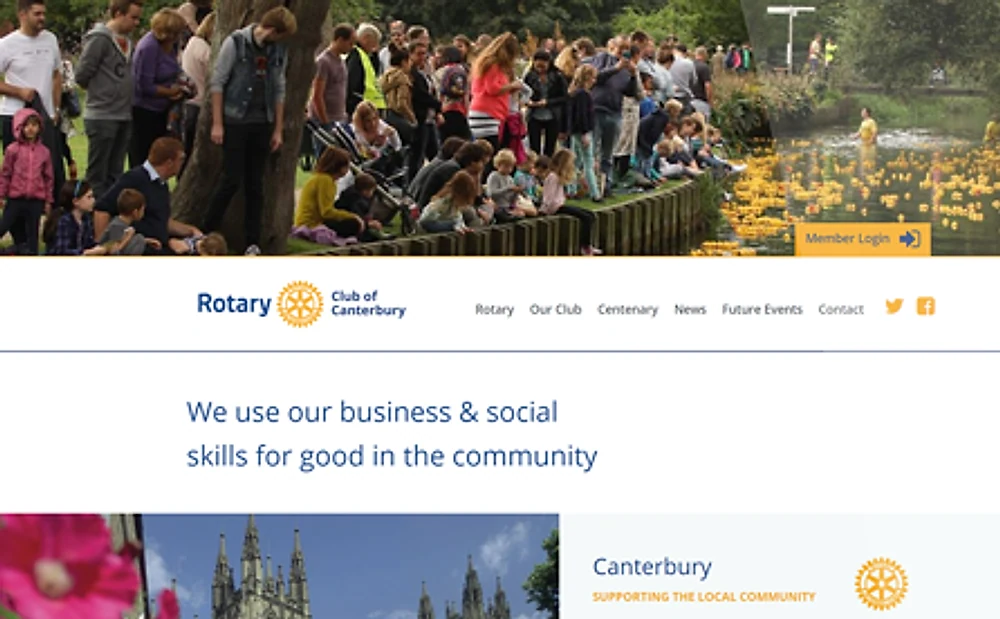
Charity website
Rotary Club of Canterbury
A clean, content-first design that is easy for its many older members to use.
Design · Build · Events module
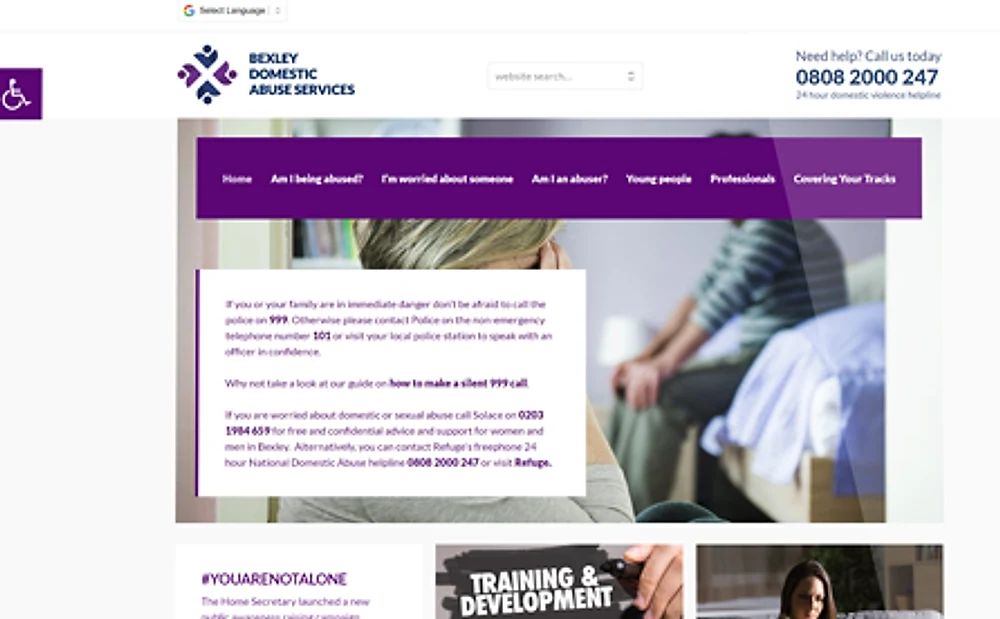
Public sector website
Bexley Domestic Abuse Services
Mobile-first, with a quick exit button, a secure contact form and translation.
Design · Build · WordPress
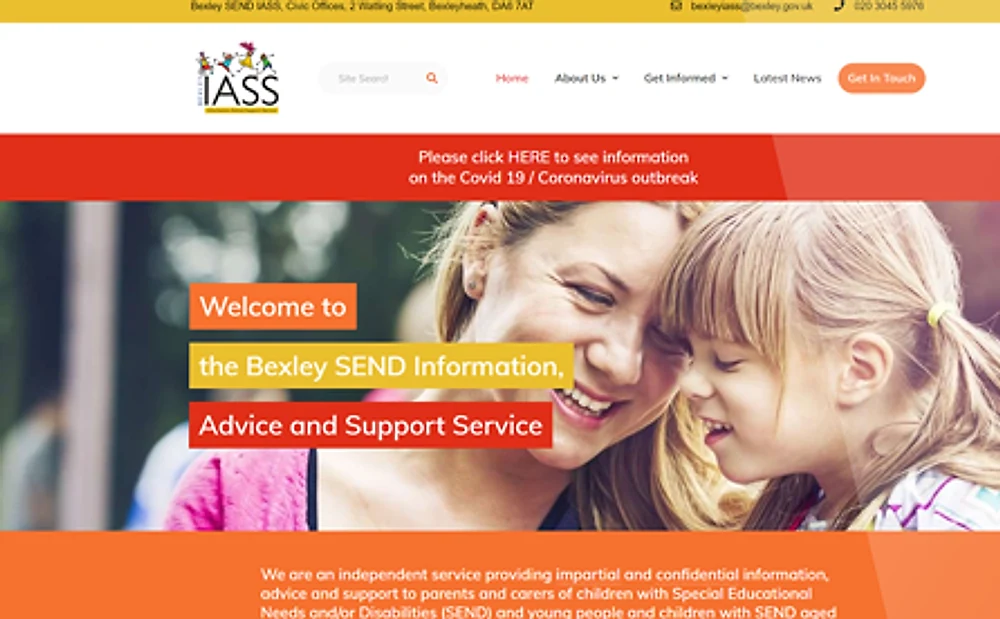
Public sector website
Bexley IASS
Clear advice for parents and carers, easy to navigate and easy for the team to update.
Design · Build · WordPress
Good to know
Frequently asked questions
What is the difference between UX and UI?
UX (user experience) is how the site works for the people using it: the journey, the structure and how easily they can do what they came to do. UI (user interface) is what they see and use along the way: layouts, buttons, forms and type. We design both together.
What does website accessibility mean?
It is a measure of how easily a website can be used and understood by all of its users, including people who are blind, deaf or colour blind. Many websites still contain accessibility errors that stop some people using them.
Does accessibility help SEO?
Yes. Search engines can't see your images or hear your videos, and they can't tell buttons apart if they all say 'click here' or 'submit'. Clear headings, image alt text and descriptive links help them understand your site, as well as helping your visitors.
Can you fix what an audit finds?
Yes. Design and development sit in one team, so the improvements can be designed and built by the people who found them, rather than handed over as a report.
Still have a question?
Next step
Want to know how your site works for real visitors? Let's talk it through.
- Google Premier Partner
- Microsoft Advertising Partner
- Since 2002 · 300+ clients