Social Media
How to Use Social Media at Live Events
Social media is a great tool for growing awareness and promoting your event, but what about after the event begins? Find out six ways you should be utilising social media to join the conversation during live events.
By ExtraDigital
Planning a business event or planning on attending an event soon for your business?
Social media is a powerful tool to use at live events. Real-time updates make your audience feel involved, and it gives them the chance to interact with you right then and there. Social media is an excellent tool for growing awareness and promoting your event, but what about after the event begins? Whether you are the one throwing the event or just an attendee?
Here are six ways you should utilise social media to join the conversation during live events.
1. Announce the event
It’s a good idea to give your audiences a warning that you are about to start posting a lot. This also gives you a chance to introduce the event properly. When you are on your way or have arrived at the event, make a post announcing where you are and what it is, and let them know you will be covering the event so stay tuned in!
2. #HASHTAG
Make sure you know the unique hashtags for the events and include them in every post. This will associate your post with the event in those people’s feeds you may not already be connected with. This also allows the event organiser the option to share your post to their feeds.
3. Real-Time Updates
Post regular updates on your social platforms, especially Twitter! Make sure you mix it up and share a variety of content: video, text, photos, polls, stories… whatever you can do!
4. Keep the conversation going
Get your audience engaged by asking questions, their opinions on things, or silly polls relevant to the event. The more you respond to those who comment or give you answers, the more other people are likely to engage.
5. Share your location
Don’t forget to check in wherever you are – this will also show up on the events page, again giving you more reach! If you tag an official page, this will also look more trustworthy to your audiences.
6. Video Streaming
A live recording is one of the best things you can do at a live event. Almost all social platforms allow you to live stream. Depending on the event you’ll want to decide what to live stream. Good ideas are the main event, the lead speaker at a conference, or even short interviews with other attendees at the event. The options are endless! Don’t skip out on this one – video receives the most engagement out of all other content!
It can be hard to provide professional-looking content on the fly. These six steps, some preparation, and our social media expertise have allowed us to cover live events successfully for our clients. If you need help getting started, just ask!
Our Experience
Our team of highly experienced social media masters are adept at managing multiple platforms and knowing the right type of content to post, and when to post it. Utilising trending features and distributing content that will engage the audiences on each platform is key to success on Social.
Have an event coming up? In the past, we have covered:
- Conferences
- Trade Shows
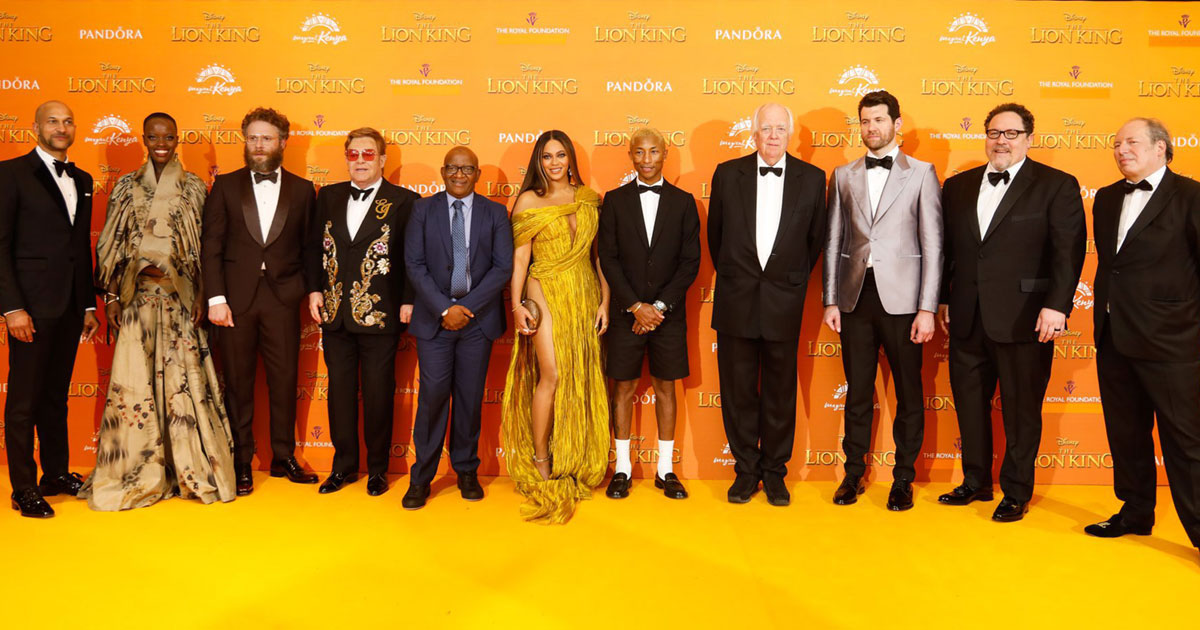
- Film Premieres
- Product Launches
- Networking Events
- Industry Expos
- Gala Dinners
- and many more…
Are you interested in our unique and comprehensive social media management services? Fill in the form below and one of our helpful staff will be in touch shortly.
More from blog
Social Media
Which Social Media Platforms Are Best for Your Business?
Find the best social media platforms for business growth based on audience, content style, and marketing goals.
Olivia Reynolds · 9 June 2026
Social Media
TikTok Trends 2026: What Brands Need to Know
TikTok trends 2026 reveal a shift towards authenticity, emotional ROI, and curiosity-driven content. Prepare your social media strategy now
Olivia Reynolds · 21 April 2026
Social Media
Social Media Engagement in 2026: Strategies for Meaningful Connection
In 2026, real connection matters. Get practical tips on how to increase social media engagement and build stronger, more loyal communities online.
Olivia Reynolds · 5 March 2026
Next step
Want this applied to your own marketing?
- Google Premier Partner
- Microsoft Advertising Partner
- Since 2002 · 300+ clients